Contact sales ENES

Live video. Honest handovers. Fair returns.

Before the handover

Prove your video was filmed live

With AI, any photo or video can be faked. A Watchtower certificate proves how the video of what you sell or let was made: filmed live in our app, on a verified phone, with a one-time code from our server on camera, at a stated time, with no cuts or edits detected.

When it comes back

Check every return

When a phone comes back or a tenant moves out, record it again, or name your buyer by email so they record it in our app, and judge the return on footage filmed live.

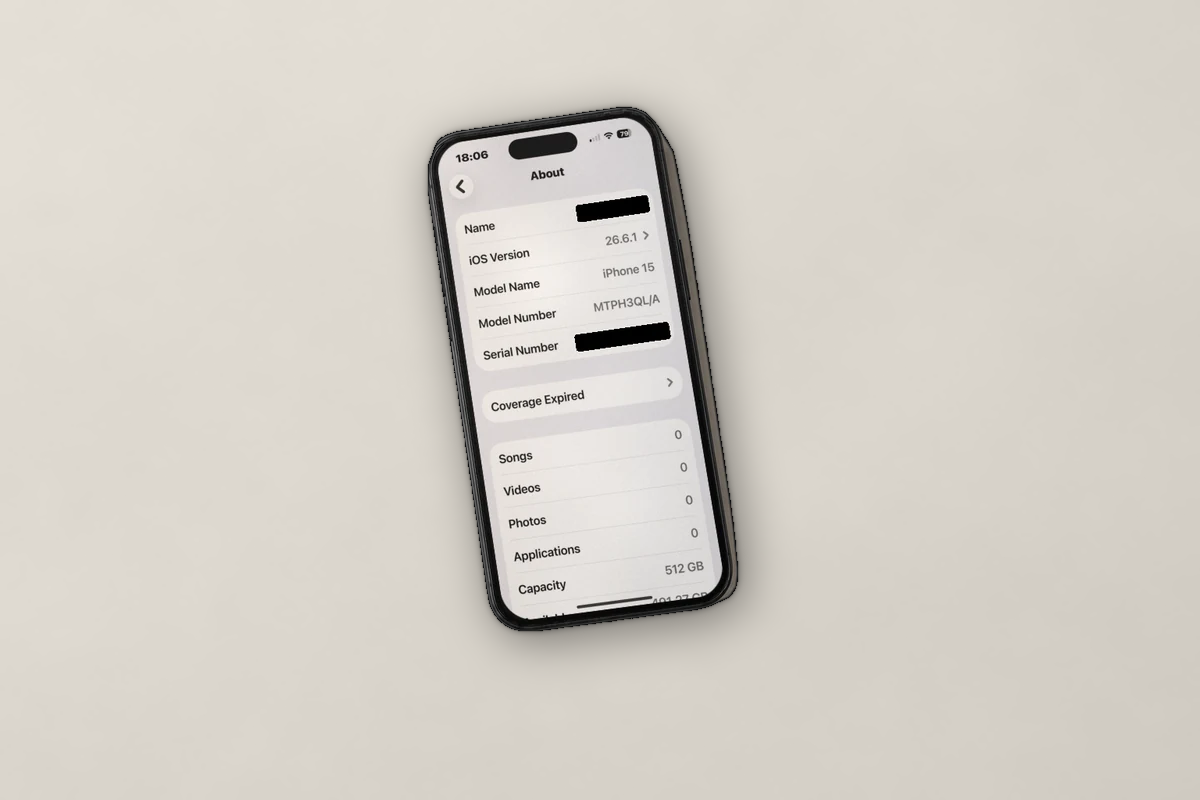
WT-7K3M9QX2 · certificate · iPhone 15Verified
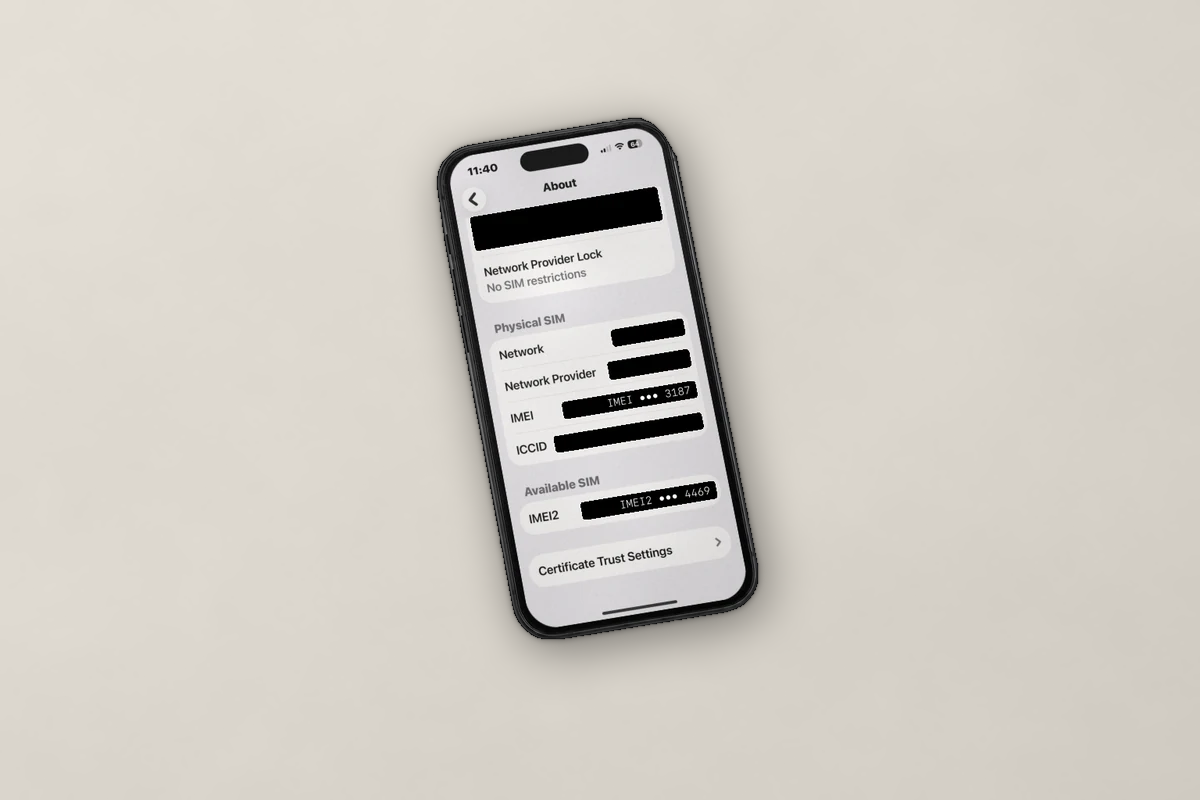
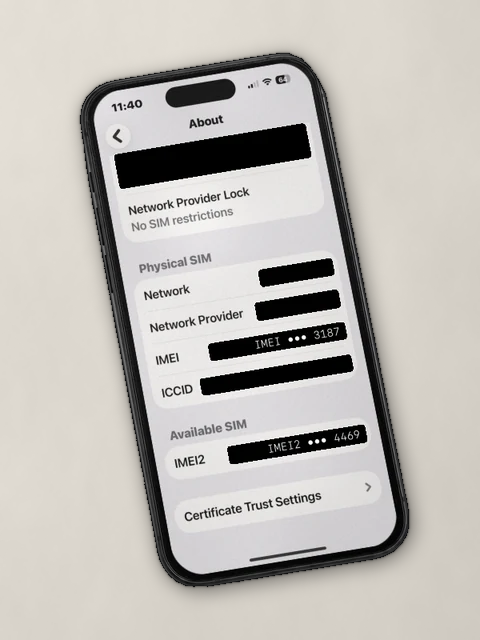
Frame from the certificate video: the phone in Settings, About
00:21 / 01:14video
  • Recorded live in our app, on a verified phone, timed by our server
  • Certified by Watchtower: one-time code on camera, no cuts or edits detected

Your certificate. Your way.

A certificate is one continuous video, up to 3 GiB. In a step template you decide what it has to show: the front, then the back, then the battery health screen, the charging port, a scratch you want on record, what is in the box. For a rented flat, start from Watchtower’s ready-made template.

Our app walks whoever records through your steps, in one take. Mark the ones that are required: a take that skips one is rejected and recorded again. Watchtower certifies the video was filmed live and unedited, and that the steps were recorded, never what they show; you check that before you accept the phone back, and ask for another if it doesn’t.

Your own team records in the same app, with a template or freely, and Watchtower certifies the video within minutes. Whenever you like — and as many times as you like — you pick frames from that video to publish alongside it, adding or swapping them any time, so buyers see the details that matter at a glance.
What you ask the video to show

5 steps

Your template, in order

  • Record the frontRequired
  • Record the backRequired
  • Record the battery health screenRequired
  • Record the charging portRequired
  • Record the box contentsOptional
  • Add a step

How a certificate works.

You choose what the video should show. Watchtower certifies how it was recorded: filmed live, on a verified phone, with a one-time code on camera and no cuts or edits detected.

  1. You define it

    Add the steps you want the video to show and mark which are required. They guide whoever records; the app, the verified phone, our server and a one-time code on camera prove it was filmed just now.

  2. Record it in our app

    Your team records it, signed in to our app with their email. Or name your buyer by email: Watchtower writes to them, they sign in to the app with that address and record it within the days you choose, walked through your steps in one take. Either way, the app films live, the one-time code from our server goes on camera, and the app signs the video; nothing can come from a camera roll.

  3. Watchtower validates it

    Watchtower checks the signatures and how the video was recorded — filmed live on a verified phone, at the time our server stated, with the one-time code readable on camera and no cuts or edits detected. A take too blurry or dark to check, or missing a required step, is simply recorded again; if the phone or the recording fails its checks, the certification is denied, and you can retry it, up to three attempts in all. It never judges what the video shows. Each certificate gets its own ID and page: your team and your buyer open it signed in, anyone else with its link and its own password. Make one your team recorded public, and publish or unpublish its video and frames whenever you like. Certify the same item again later and your dashboard groups the new certificate with the others.

Why sellers certify.

Before you sell or let

Checked by a third party, not just your word

Not a stock picture: a video filmed live, checked by Watchtower, with the frames you choose, from the day it was certified. Send buyers a certificate’s link and its password, or make one your team recorded public for your listing.

When it comes back

You decide what a return has to prove

“It arrived broken.” Choose what your buyer has to show and name them by email; they record it in our app, and you watch their certified video before you accept the return. For a rental, record the flat when the tenant moves in and again when they move out, both in one dossier. Watchtower certifies it was filmed live and unedited; whether it shows what you expected is your call.

What a certificate is, and isn’t.

It is

  • A video recorded live in our appSigned, timed by our server, with a one-time code on camera, and checked by Watchtower.
  • Ready for your agentsWhat you do in the dashboard can also be done by API or by an AI agent; only sign-in, team and tokens stay in the dashboard, and the recording itself in the app.
  • Guided by youThe steps you want the video to show, required or optional, for whoever records.
  • A page for each certificate, private by defaultYour team sees every certificate in your dashboard and your buyer sees theirs in the app; anyone else opens one with its link plus its own password, set by Watchtower. You can make public the certificates your team recorded, shown as recorded; those your buyer records stay private. A certificate does not expire, though its link does after a year; take a public one out of public mode and it asks for its password again.

It isn’t

  • Insurance, a refund or money backIt is evidence. The marketplace or payment provider decides; none has yet confirmed it accepts it.
  • A check of the productWatchtower certifies how the video was recorded, not what is in it: that is for you and your buyer to judge.
  • Proof the camera saw the real thingIt proves the video was filmed live, not that the camera was pointed at the real phone or flat rather than a screen or a replay.
  • A test that it worksIt shows what the camera sees: the phone or the flat and its visible condition.
  • Proof of who caused any damageEach certificate shows it at that moment, not what happened in between.